Introduction
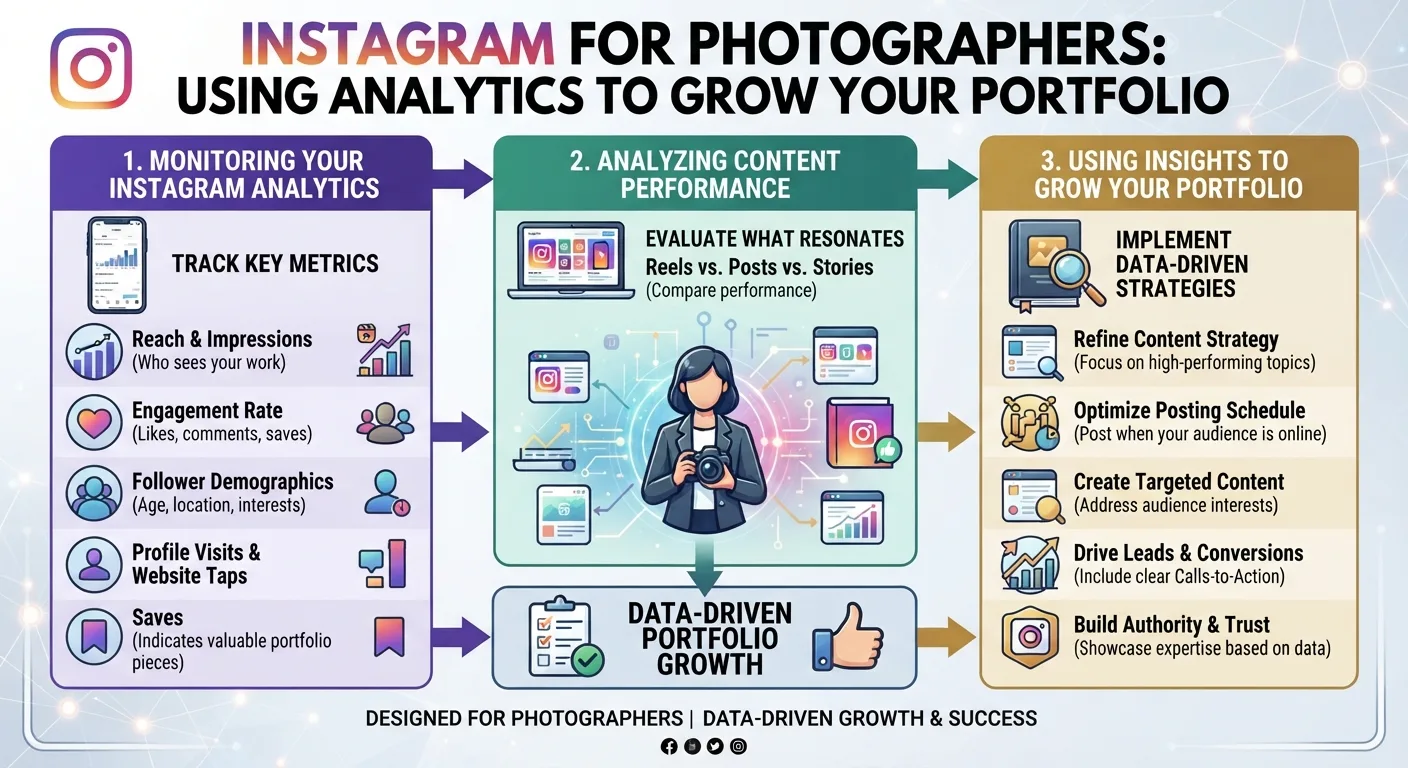
Follower growth is one of the most telling signals of an Instagram account's health and momentum. Whether you are tracking your own brand's progress, monitoring a competitor's rise, evaluating an influencer before a partnership, or simply researching how fast certain accounts are growing in your niche follower growth data tells a story that a single snapshot never can.
The problem is that Instagram makes this harder than it should be. To access detailed follower growth data through Instagram's own platform, you need to own the account. Instagram Insights the native analytics dashboard is only available to the account holder. If you want to track someone else's growth, or if you want to check your own data without logging into Instagram's app, you are largely on your own.
Or so it seems.
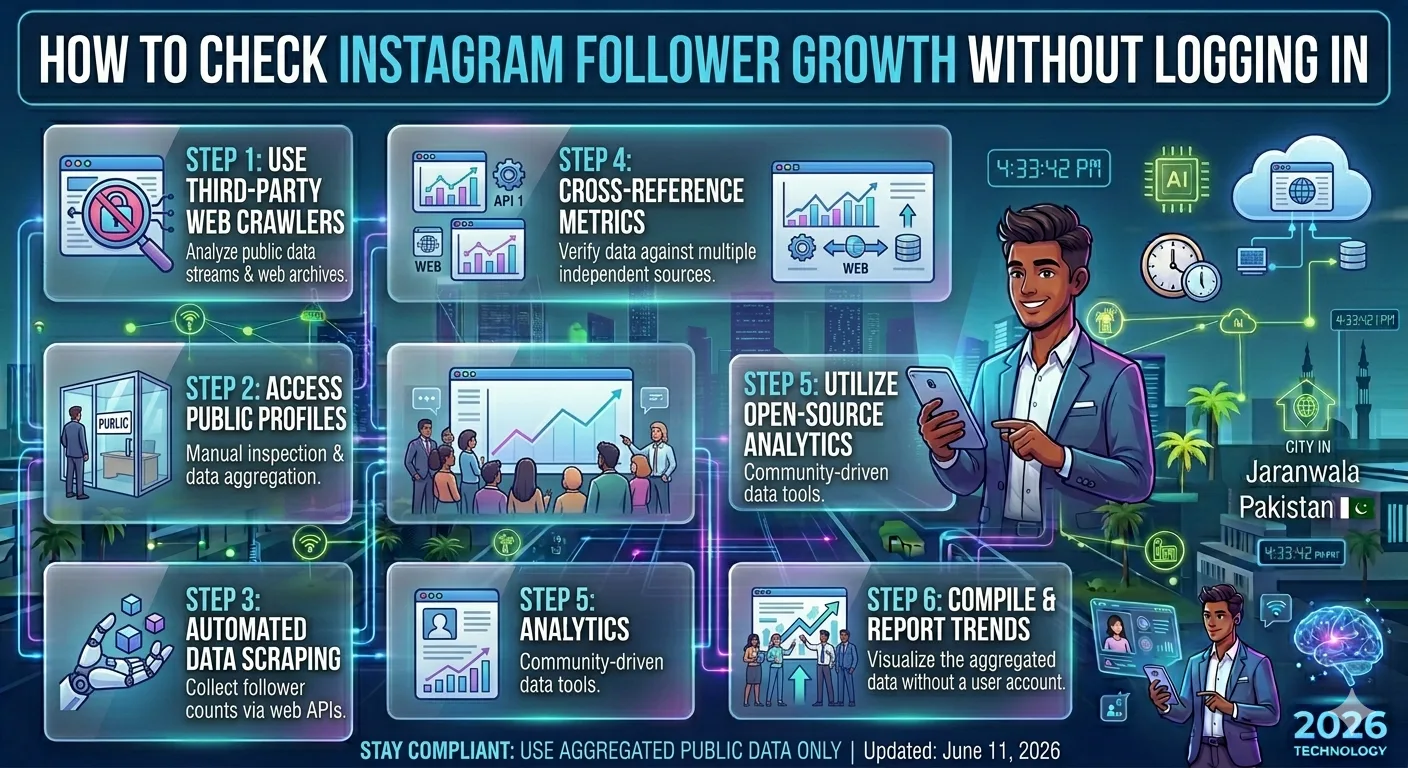
In this guide, we will walk through exactly how to check Instagram follower growth for any public account without logging into Instagram using free tools, understanding what the data means, and putting it to practical use.
Why Follower Growth Matters More Than Follower Count
Before getting into the how, it is worth understanding why growth tracking is more valuable than simply looking at a follower count at a single point in time.
A follower count is a snapshot. It tells you where an account stands right now, but nothing about the trajectory. Two accounts with 50,000 followers each could be in completely different situations one might have gained 10,000 followers in the last 30 days while the other has been stuck at 50,000 for two years and is slowly losing followers every month.
Follower growth rate tells you which direction an account is heading. It reveals:
- Whether a content strategy is working or plateauing
- Whether a recent campaign, collaboration, or viral post drove a spike
- Whether follower counts are organic or potentially inflated by purchased followers
- How an account compares to competitors growing in the same niche
- Whether an influencer's audience is actively expanding or quietly eroding
For all of these use cases, growth over time is the essential data point and that requires tracking, not just a single lookup.
Method 1: Use InstaPV to Track Follower Growth (Recommended)
The fastest and most reliable way to check Instagram follower growth without logging in is to use InstaPV's analytics engine. Here is exactly how to do it.
Step 1: Go to InstaPV
Open your browser and navigate to instapv.xyz. No account creation is needed. The tool works immediately in any browser on any device.
Step 2: Search for the Username
Type the Instagram username you want to track into the search bar and press Enter or tap Search. The account must be public InstaPV, like all legitimate tools, only works with publicly accessible profiles.
Step 3: Open the Analytics View
Once the profile loads, navigate to the Analytics section of the profile dashboard. This is where InstaPV displays growth data over time rather than just the current snapshot.
Step 4: Read the Follower Growth Chart
The follower growth chart shows you how the account's follower count has changed over days, weeks, and months. You can identify:
- Overall growth trajectory is the account growing, flat, or declining?
- Growth spikes sharp increases that correspond to viral content, collaborations, or press coverage
- Growth dips drops that may follow controversial posts or periods of inactivity
- Growth consistency whether the account grows steadily or in irregular bursts
Step 5: Compare Time Periods
InstaPV allows you to compare growth across different time windows weekly, monthly, and longer historical views. This is particularly useful for identifying seasonal patterns or the impact of specific campaigns.
Step 6: Export the Data (Pro)
If you are using InstaPV Pro, you can export the follower growth data as a PDF or CSV file. This is useful for client reports, internal presentations, or ongoing tracking spreadsheets.
Method 2: Manual Tracking With a Spreadsheet
If you want a completely free, no-tool approach and you are willing to invest some manual effort, you can track follower growth yourself using a simple spreadsheet.
How to Set It Up
Create a spreadsheet with the following columns:
- Date
- Username
- Follower Count
- Following Count
- Total Posts
- Notes (optional record any major content events)
Visit each account you want to track on a regular schedule ideally daily or every few days and record the follower count. Over time, this builds a historical dataset you can use to calculate growth rates and spot trends.
Calculating Growth Rate
To calculate the growth rate between two data points, use this formula:
((Current Followers − Previous Followers) ÷ Previous Followers) × 100
For example, if an account had 24,000 followers last month and has 26,400 now, the growth rate is:
((26,400 − 24,000) ÷ 24,000) × 100 = 10% monthly growth
The Downside of Manual Tracking
Manual tracking works, but it has real limitations. It requires consistent discipline missing even a few days creates gaps in your data. It also scales poorly. Tracking three or four accounts manually is manageable. Tracking twenty or thirty accounts becomes a significant time commitment.
For occasional research or a very small number of accounts, manual tracking is a reasonable approach. For anything more systematic, a tool like InstaPV is far more efficient.
Method 3: Check Historical Data Through Web Archives
For accounts you did not start tracking from the beginning, web archives can sometimes provide historical follower count snapshots.
The Wayback Machine at web.archive.org periodically crawls and archives public web pages, including Instagram profiles. If a profile was crawled at multiple points in the past, you may be able to see what the follower count was at those earlier dates.
How to Use It
Go to web.archive.org and enter the Instagram profile URL in the format:
https://www.instagram.com/aieshbahadur/
The calendar view will show you which dates the page was archived. Click on any archived date to see a snapshot of the profile as it appeared at that time, including the follower count displayed on the page.
Limitations
Web archive coverage of Instagram profiles is inconsistent. Some accounts have been archived frequently, others rarely. The follower counts shown are also dependent on what was visible in the archived page and Instagram's page structure has changed over the years, which can affect what data is captured.
This method works best as a supplement to other tracking approaches rather than a primary data source.
What to Look for in Follower Growth Data
Once you have follower growth data in front of you whether from InstaPV, a spreadsheet, or another source here is how to interpret what you are seeing.
Steady Organic Growth
A healthy, organically growing account typically shows a relatively smooth upward trend with modest week-to-week variation. Growth rates in the range of 3 to 8 percent per month are strong for most account sizes. This kind of growth indicates a consistent content strategy that is steadily attracting new followers.
Growth Spikes
A sudden sharp increase in followers gained over a day or two rather than spread over weeks almost always corresponds to a specific event. Common causes include:
- A post going viral on Instagram's Explore page
- A shoutout or collaboration with a much larger account
- Press coverage or a mention in a high-traffic publication
- A trending hashtag or timely content that caught algorithmic attention
When you spot a spike, try to identify what happened on those dates. If you are researching a competitor, this tells you exactly what kind of content or strategy is capable of breaking them out of their normal growth pattern.
Flat Growth
An account that has been at roughly the same follower count for months is either in a content plateau producing content that retains existing followers but does not attract new ones or experiencing a situation where new followers are roughly balancing follow-backs being lost.
-
Instagram Profile Viewer InstaPV
-
Instagram Analytics Explained: What Every Metric Means
-
How InstaPV Protects Your Privacy While Browsing Instagram
Flat growth for an established account is not necessarily a crisis, but it is a signal that the current strategy has reached its ceiling and needs evolution.
Follower Loss
A declining follower count where the account is losing more followers than it gains is a red flag worth investigating. Common causes include:
- A controversial post or statement that drove existing followers away
- A significant drop in posting frequency
- Content quality or relevance declining over time
- A paid follower purge, where previously purchased fake followers get removed by Instagram
When evaluating an influencer for a potential partnership, follower loss in recent months is a serious concern. It suggests the audience relationship is weakening, which directly affects campaign performance.
Suspiciously Fast Growth
If an account gains tens of thousands of followers in a very short period with no obvious viral event to explain it, this can indicate purchased followers. Bought follower spikes tend to look like near-vertical jumps on a growth chart unnaturally fast gains that are not followed by corresponding increases in engagement.
Always cross-reference follower growth with engagement rate. An account that gained 50,000 followers in a week but whose engagement rate did not increase or actually decreased almost certainly bought those followers.
Practical Use Cases for Follower Growth Tracking
Influencer Vetting
Before partnering with an influencer, check their follower growth over the last 90 days. You want to see steady organic growth, no suspicious spikes, and an engagement rate that has remained consistent or improved as the account has grown. InstaPV's analytics make this a five-minute process.
Competitor Benchmarking
Track two or three direct competitors over a 30-day period. At the end of the month, compare their growth rates to your own. If a competitor is consistently outgrowing you, dig deeper into their content to understand what is driving their momentum.
Campaign Measurement
If you run a campaign a giveaway, a collaboration, a paid promotion track your follower growth in the two weeks before and after. This gives you a clear, data-backed picture of whether the campaign actually drove meaningful audience growth.
Niche Research
When entering a new niche or planning to target a new audience on Instagram, research the fastest-growing accounts in that space. Their growth patterns tell you when the niche is most active, what content formats are performing, and what the realistic ceiling for growth looks like.
Frequently Asked Questions
Q: Can I track follower growth for a private Instagram account? No. Follower growth tracking tools, including InstaPV, only work with public Instagram accounts. The follower count of a private account is not publicly accessible, and no legitimate tool can retrieve it.
Q: How far back does InstaPV's follower growth data go? The historical depth of follower growth data depends on how long InstaPV has been tracking the account in question. For accounts that have been searched and tracked through InstaPV over an extended period, longer historical data is available. For accounts that are searched for the first time, tracking begins from that point forward.
Q: Is it possible to track my own Instagram follower growth without logging in? Yes you can use InstaPV to track your own public account's growth data exactly as you would any other public account. This is useful if you want to monitor your growth from a device where you are not logged into Instagram, or if you simply prefer a cleaner analytics view than Instagram's native Insights dashboard.
Q: How accurate is the follower growth data from third-party tools? For public accounts, follower count data is pulled directly from publicly visible profile information and is highly accurate. Growth trends and historical charts are based on data collected over time and are reliable for strategic analysis, though small day-to-day variations may differ slightly from Instagram's native data.
Q: Can I get email alerts when a specific account gains or loses a significant number of followers? InstaPV Pro includes tracking features for saved profiles. Check the current feature set at instapv.xyz for the latest options on monitoring and notifications.
Conclusion
Tracking Instagram follower growth without logging in is straightforward when you use the right approach. For quick lookups and ongoing monitoring, InstaPV's analytics engine is the most efficient option search any public username, view the growth chart, and have meaningful data in under a minute.
For deeper research, combine InstaPV's growth data with engagement rate analysis to get a complete picture of whether an account's audience is genuinely growing and genuinely engaged or just accumulating numbers that look impressive on paper.
Follower growth tells you where an account has been. Engagement rate tells you whether that growth actually means anything. Together, they give you the full story.
Track follower growth for any public Instagram account on InstaPV →