Introduction
If you have ever visited a public Instagram profile and noticed those circular icons sitting just below the bio each one labeled with a name like "Travel," "Products," "FAQ," or "Behind the Scenes" you have already encountered Instagram Highlights.
Highlights are one of Instagram's most useful but least understood features. For account owners, they are a powerful way to permanently showcase the best story content on their profile. For visitors, they are a window into an account's personality, products, and key messages available to view any time, not just during the 24-hour story window.
But here is the thing most people do not realize: when you view someone's Instagram Highlights while logged into the app, the account owner can see that you watched them. Just like regular stories, Highlights track viewers and show that information to the account owner.
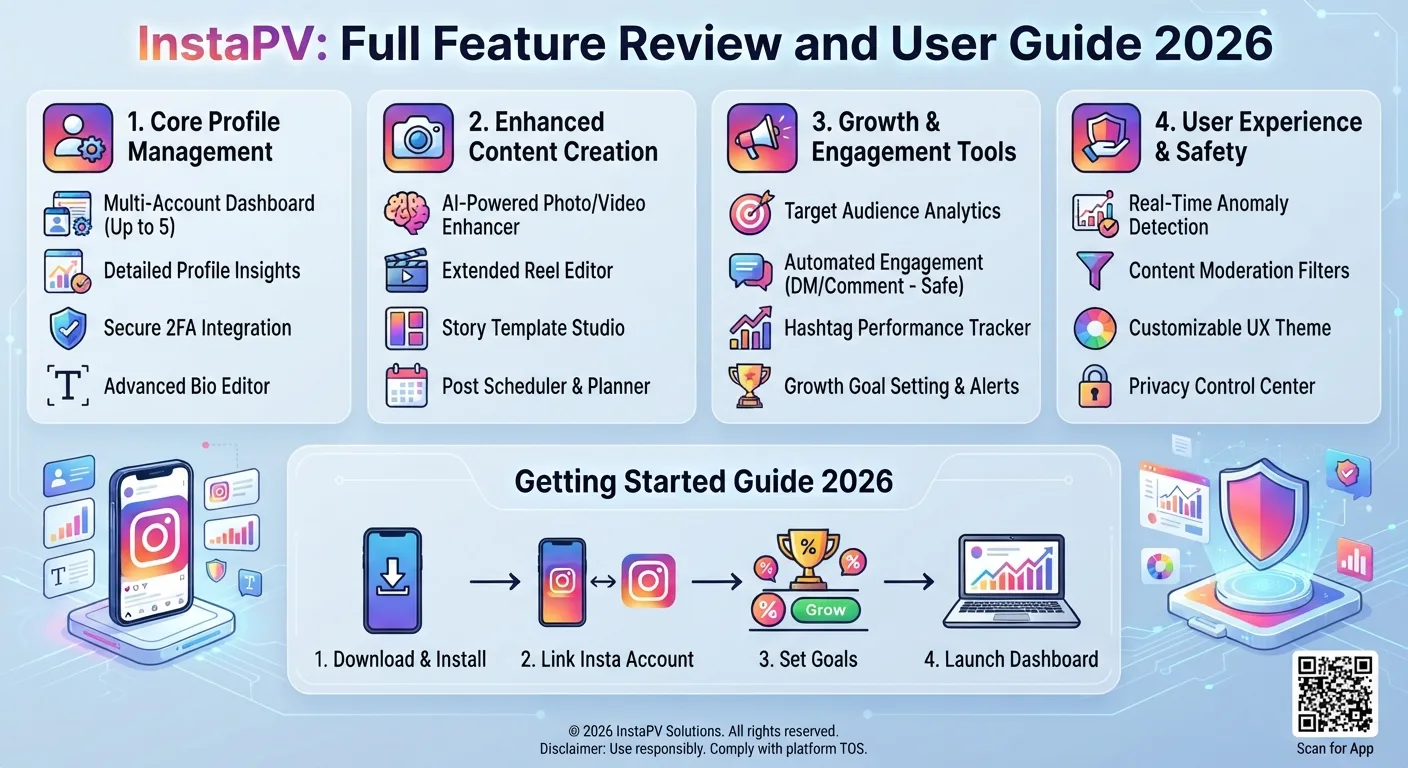
In this complete guide we will explain exactly what Instagram Highlights are, how they work, what makes them valuable, and most importantly how to view them completely anonymously using InstaPV without your name ever appearing in anyone's viewer list.
What Are Instagram Highlights?
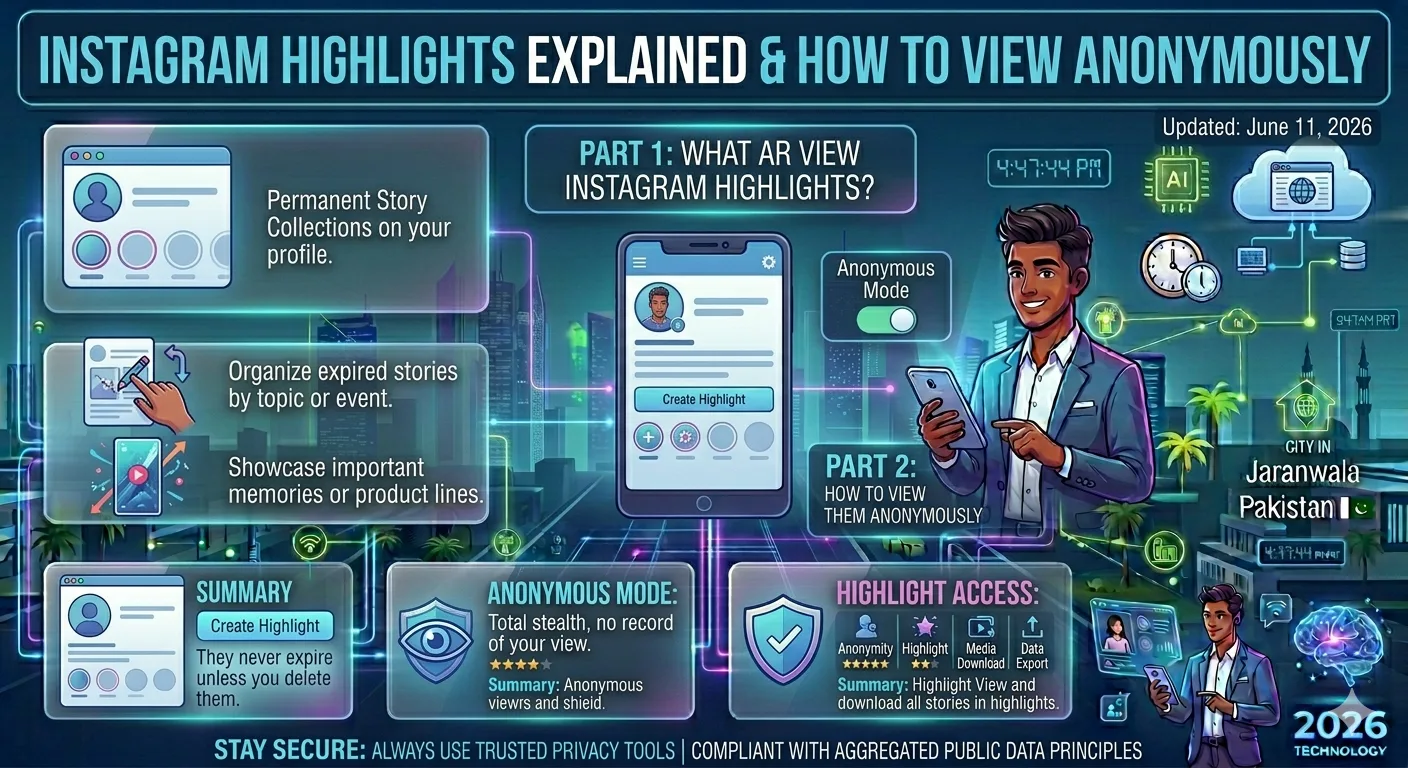
Instagram Highlights are curated collections of past Instagram Stories that an account owner has chosen to save permanently on their profile. While regular Instagram Stories disappear after 24 hours, Highlights remain visible on a profile indefinitely or until the account owner removes them.
Highlights appear as circular icons directly below the profile bio, each with a cover image and a label chosen by the account owner. Tapping on any Highlight opens a fullscreen viewer that plays through all the stories saved in that collection, one by one.
Instagram introduced Highlights in December 2017 as a way to give creators and businesses more control over their permanent profile content. Before Highlights existed, any story content — no matter how valuable or carefully crafted would simply vanish after a day. Highlights solved that problem by letting account owners selectively archive their best story content in organized, labeled collections.
How Instagram Highlights Work
Understanding how Highlights function technically helps you understand both why they are valuable and why anonymous viewing matters.
Creating a Highlight
Account owners create Highlights in two ways. First, they can add a story to a Highlight while it is still live within the 24-hour window by tapping the Highlight button at the bottom of the story viewer. Second, they can add expired stories from their archive at any time, even years after the story originally expired.
-
5 Best Free Instagram Story Viewer Tools Compared (2026)
-
How to Check Instagram Follower Growth Without Logging In
-
How to View Instagram Stories Without Being Seen in 2026
This means Highlights can contain story content from any point in the account's history, as long as the account owner has archive mode enabled and the original story was saved.
Highlight Covers
Each Highlight has a cover image the circular icon visible on the profile page. Account owners can set a custom cover image using any photo from their camera roll, which is why many brand accounts use custom-designed icons to make their Highlight covers look polished and on-brand.
Highlight Labels
Each Highlight has a name chosen by the account owner, up to 15 characters. These labels are visible on the profile page under each circular cover image. Common Highlight categories include:
- Products or Services
- About Us or Our Story
- FAQs
- Testimonials or Reviews
- Events or Launches
- Travel or Behind the Scenes
- Press or Media Mentions
- Tutorials or How-To content
Highlight Privacy
Highlights follow the same privacy rules as the account itself. Public accounts have publicly visible Highlights anyone can view them, with or without an Instagram account. Private accounts have private Highlights only approved followers can see them.
Highlight Viewer Tracking
Here is the key privacy point that most casual Instagram users do not know: Instagram Highlights track who views them, just like regular stories.
When you are logged into Instagram and you tap on someone's Highlight, your username is added to the viewer list for each story within that Highlight. The account owner can open any story in their Highlight and see every logged-in user who has watched it.
For the same reasons that apply to regular story viewing competitor research, influencer evaluation, journalist investigations, personal privacy many people have legitimate reasons to view Highlights without their identity being recorded.
Why Instagram Highlights Matter
Before getting into anonymous viewing, it is worth understanding why Highlights are so valuable both for account owners who create them and for researchers who study them.
For Account Owners
Highlights transform an Instagram profile from a simple feed of posts into a structured, navigable resource. A well-organized set of Highlights effectively turns your Instagram profile into a mini-website — with sections for your products, your story, customer testimonials, FAQs, and more.
For businesses and creators, Highlights are often the first thing a new profile visitor engages with after reading the bio. They answer the question "what is this account about?" far more efficiently than scrolling through months of feed posts.
For Researchers and Marketers
Highlights are a goldmine of competitive intelligence. Because they contain an account's most curated and deliberately chosen story content the content the owner considered important enough to keep permanently they reveal:
- What products or services the account prioritizes
- How the brand communicates its value proposition
- What kind of social proof they showcase (testimonials, press mentions, user-generated content)
- How they handle customer FAQs and common objections
- What their behind-the-scenes culture looks like
- How they have presented promotions and launches historically
All of this information is publicly available on any public account but viewing it anonymously means your research stays private.
For Journalists and Investigators
For journalists covering public figures, brands, or events, Highlights provide a permanent record of past story content. Unlike regular stories that disappear in 24 hours, Highlights remain accessible indefinitely making them valuable for research, fact-checking, and documentation.
How to View Instagram Highlights Anonymously
There are two main approaches to viewing Instagram Highlights without your name appearing in the viewer list. Here is a detailed walkthrough of each.
Method 1: Use InstaPV (Recommended)
InstaPV is the most reliable and feature-complete way to view Instagram Highlights anonymously. Here is the exact process:
Step 1: Navigate to InstaPV
Open your browser — on desktop or mobile — and go to instapv.xyz. No login, no account creation, no personal information required.
Step 2: Search for the Account
Type the public Instagram username whose Highlights you want to view into the search bar. Press Enter or tap the Search button.
Step 3: View the Profile
InstaPV will load the account's public profile information including their bio, follower count, post count, and critically all of their publicly visible Highlights displayed as a grid of labeled thumbnails.
Step 4: Select a Highlight
Click or tap on any Highlight cover to open it. InstaPV loads the Highlight in a fullscreen viewer that works exactly like Instagram's native story viewer you can tap through individual story frames, navigate between stories within the Highlight, and view all content in the collection.
Step 5: Browse All Highlights
After finishing one Highlight, return to the profile view and open the next. You can browse through every Highlight collection on the account at your own pace, completely anonymously.
Step 6: Download If Needed
If you need to save any content from a Highlight for documentation, research records, or reference InstaPV includes a download option that lets you save individual story frames directly to your device.
Because you never log into Instagram through InstaPV, no viewer record is created at any stage of this process. The account owner's Highlight viewer lists remain entirely unaffected by your visit.
Method 2: View Without an Instagram Account in a Desktop Browser
Instagram allows limited viewing of public profile content in a desktop web browser without logging in. In some cases, Highlights are visible on public profiles when accessed this way.
However, this method is increasingly unreliable. Instagram frequently prompts unauthenticated desktop visitors to log in or create an account, which can interrupt your viewing. The experience is also considerably less smooth than using a dedicated tool.
For consistent, reliable, anonymous Highlight viewing, InstaPV is the significantly better option.
How to Analyze Instagram Highlights for Research
Once you have access to anonymous Highlight viewing, here is how to get the most value from what you find.
Read the Highlight Structure as a Content Strategy Map
The way an account organizes its Highlights tells you a great deal about its content strategy and what it considers most important. Count how many Highlights the account has, read all the labels, and note which ones appear first those are typically the categories the account owner considers most critical for new visitors.
A brand with Highlights labeled "Results," "Testimonials," "Before & After," and "FAQ" is clearly focused on conversion and social proof. A creator with Highlights labeled "Travel," "Food," "Morning Routine," and "Q&A" is building a lifestyle personal brand. The structure alone is a strategic insight.
Study the Content Inside Each Highlight
Work through each Highlight systematically and pay attention to:
- What formats are used — text slides, video clips, polls, product showcases, behind-the-scenes footage
- The visual style and branding consistency
- The messaging tone — formal, casual, humorous, educational
- How they handle calls to action — do they drive to a link, encourage DMs, promote a product?
- The production quality — is this polished professional content or authentic raw footage?
All of these elements reflect deliberate choices that have proven effective enough for the account owner to preserve permanently.
Note What Is Missing
Sometimes what an account does not highlight is as revealing as what it does. An e-commerce brand with no customer testimonial Highlight may lack social proof. A service business with no FAQ Highlight may be missing an opportunity to address common objections. A creator with no "About Me" Highlight may be underusing their profile's ability to convert new visitors into followers.
If you are doing competitive research, identifying gaps in a competitor's Highlight strategy can reveal opportunities for your own account.
Track Changes Over Time
Highlights change as account owners add new content, remove outdated material, and reorganize their collections. If you are tracking a competitor or monitoring a public figure over time, regularly reviewing their Highlights through InstaPV gives you an evolving picture of how their strategy and messaging shifts.
Instagram Highlights vs Regular Stories: Key Differences
Understanding how Highlights differ from regular stories helps clarify why they deserve separate attention in any Instagram research strategy.
| Feature | Regular Stories | Instagram Highlights |
|---|---|---|
| Duration | 24 hours | Permanent (until removed) |
| Location on profile | Story ring around profile photo | Circular icons below bio |
| Viewer tracking | Yes — 24-hour window | Yes — ongoing |
| Content type | Any story content | Curated, selected stories |
| Discoverable by new visitors | Only during 24 hours | Always visible |
| Strategic purpose | Real-time updates, engagement | Permanent profile content |
| Anonymous viewing possible | Yes — via InstaPV | Yes — via InstaPV |
The permanent nature of Highlights is the most important distinction. Regular stories are ephemeral by design. Highlights are a deliberate, permanent editorial choice — which is exactly why they are so valuable for research.
Common Questions About Instagram Highlights
Can I see who viewed my Highlights?
Yes, if you own the account. Open the Highlight, tap on any story frame within it, and swipe up to see the viewer list for that specific frame. Viewer data is available for as long as the Highlight exists.
Do Highlights expire?
No. Highlights remain on your profile permanently until you manually remove them or delete the individual stories they contain.
Can I add old stories to a Highlight?
Yes, as long as you have Instagram's Archive feature enabled. Archived stories are stored privately and can be added to Highlights at any time after they expire, even years later.
How many Highlights can an account have?
Instagram does not impose a strict public limit on the number of Highlights an account can create, though the circular icons are displayed in a horizontal scroll on the profile page.
Can I view Highlights from a private account?
No. Highlights on private accounts are only visible to approved followers. InstaPV and all other legitimate tools only work with publicly visible Highlights on public accounts.
Frequently Asked Questions
Q: If I view a Highlight through InstaPV, will the account owner see my username? No. Because you are not viewing the Highlight through a logged-in Instagram session, no viewer record is created. Your username will never appear in the account's Highlight viewer list.
Q: Can I download entire Highlight collections through InstaPV? InstaPV allows you to download individual story frames from Highlights. For downloading large collections systematically, InstaPV Pro offers expanded capabilities. Check the current feature set at instapv.xyz for the latest options.
Q: Do Highlights show the same viewer data as regular stories? Yes. Highlights use the same viewer tracking mechanism as regular stories. Each story frame within a Highlight records and displays the list of logged-in Instagram users who have viewed it.
Q: Is there a limit to how many Highlights I can view through InstaPV? The free tier of InstaPV allows you to view Highlights from public accounts within fair use limits. InstaPV Pro offers unlimited searches and viewing for users with ongoing professional research needs.
Q: Can I use InstaPV to view my own Highlights without logging into Instagram? Yes. You can search your own public username on InstaPV and view your Highlights exactly as any anonymous visitor would see them. This is a useful way to audit how your Highlights appear to new profile visitors who are not logged into Instagram.
Conclusion
Instagram Highlights are far more than just saved stories. They are a permanent, curated window into what an account considers its most important content making them one of the richest sources of competitive intelligence and research material available on the platform.
For anyone who needs to view Highlights anonymously whether for professional research, competitive analysis, journalistic investigation, or personal privacy InstaPV provides the cleanest, fastest, and most complete solution available. No login, no viewer record, no trace.
The next time you want to research a competitor's content strategy, evaluate an influencer's brand alignment, or simply browse public Instagram content without leaving a footprint, start with their Highlights. You will learn more in five minutes than you would from scrolling their feed for an hour.
View Instagram Highlights anonymously on InstaPV →