Introduction
Instagram profile pictures present a specific technical frustration that many users encounter without realizing a straightforward solution exists. The circular thumbnail displayed on any Instagram profile is a compressed, cropped version of the original image. When you try to save it directly from Instagram's interface, whether by long-pressing on mobile or right-clicking on desktop, you typically get a low-resolution version that loses detail and looks poor when viewed at any size larger than the thumbnail itself.
For researchers documenting accounts, journalists verifying identities, designers studying visual branding approaches, and anyone who needs a clear, full-resolution version of a public profile picture, this limitation is genuinely inconvenient.
This guide covers why Instagram's interface delivers compressed profile pictures, how to access full-resolution versions from any public account, and the legitimate use cases where this capability is genuinely useful.Instapv
Why Instagram Compresses Profile Pictures in Its Interface
Instagram compresses and crops profile pictures for several practical reasons rooted in platform performance and design.
The circular thumbnail format that Instagram uses for profile pictures across the platform, appearing in the Stories bar, in comment sections, in search results, and on the profile page itself, is displayed at very small sizes in most contexts. Delivering full-resolution images for every profile picture across the billions of profile thumbnails displayed daily would require enormous bandwidth and storage resources for no visible benefit at the thumbnail display size.
Instagram therefore stores profile pictures in multiple resolutions and delivers appropriately compressed versions based on the display context. The small circular thumbnail you see in search results is a much smaller file than the version stored at higher resolution, which is optimized for the slightly larger circular display on the profile page itself.
The result of this optimization is that direct saves from Instagram's interface capture only the compressed, low-resolution version rather than the higher-resolution original, which is why simple right-click saving or screenshot approaches produce unsatisfying results.Read blog
Method 1: Using InstaPV for Full-Resolution Profile Picture Access
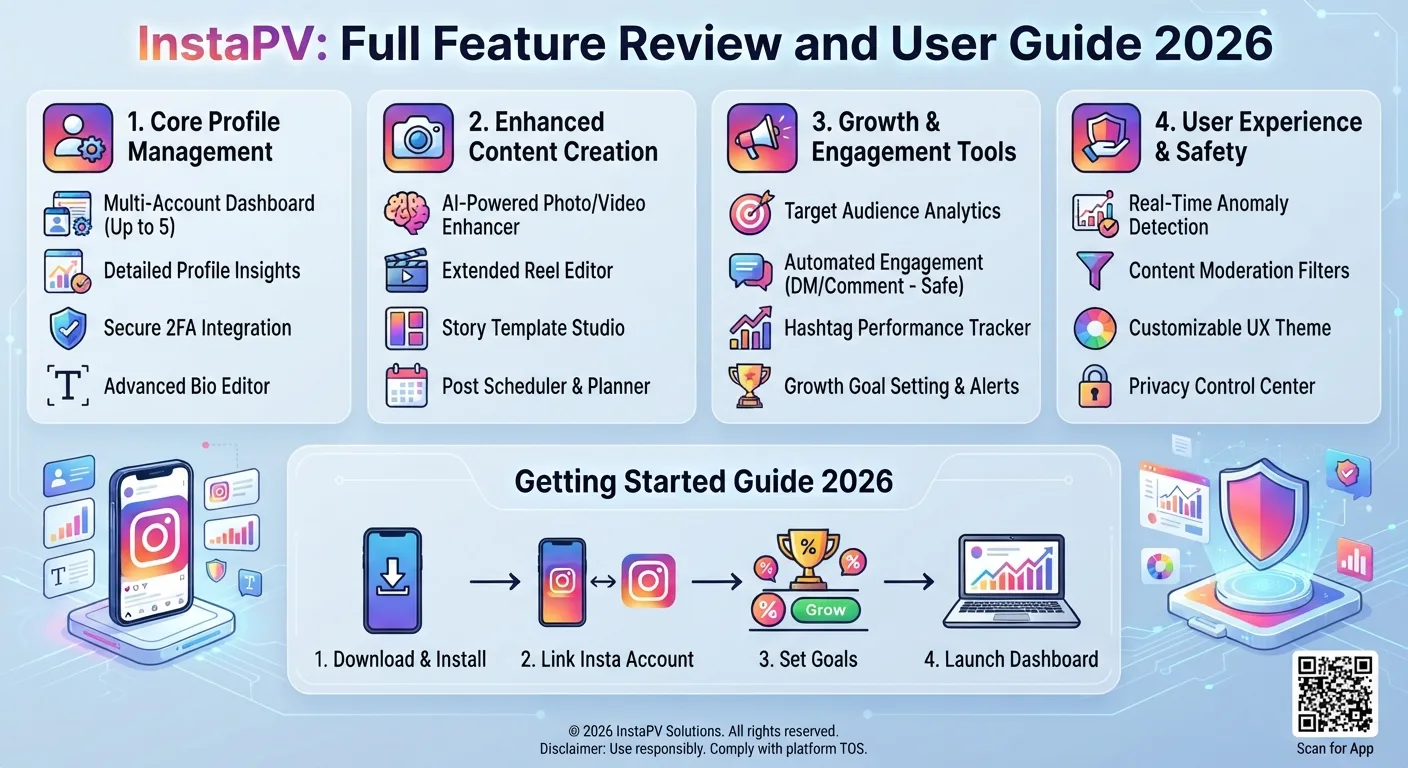
InstaPV provides full-resolution profile picture access as part of its profile viewer functionality for any public Instagram account. This is the most straightforward approach for most use cases.
Step by Step Process
Open instapv.xyz in any browser on any device. No login or account creation is required. Type the username of the public Instagram account whose profile picture you want to access in the search bar and press Enter.
When the profile loads, the profile picture is displayed in a larger format than Instagram's own interface provides. InstaPV retrieves and displays the highest quality version of the profile picture available from the public-facing Instagram data.
To download the profile picture, click or tap on the profile image to open it in its full display size, then use your browser's standard save image functionality. On desktop, right-click the displayed image and select Save Image or Save Picture. On mobile, long-press the displayed image and select the save option from the menu that appears.
The downloaded file will be a JPEG image at the highest resolution InstaPV retrieves for that account's profile picture.
Why InstaPV Works for This
InstaPV accesses the public Instagram data that includes higher-resolution profile picture files rather than only the compressed thumbnails that Instagram's interface delivers in most contexts. Because it is accessing public account data rather than routing through Instagram's interface optimizations, it can retrieve the more complete version of the profile picture.
Method 2: Direct URL Manipulation for Technical Users
For users comfortable with web browsers and URL structures, Instagram's own content delivery infrastructure can be accessed directly to retrieve full-resolution profile pictures, though this method requires more technical steps and is less reliable as Instagram's URL structures change periodically.
The general approach involves using browser developer tools or page source inspection to find the full-resolution profile picture URL embedded in the page data when viewing an Instagram profile, then accessing that URL directly to download the full-resolution image.
How to Access the Page Source
On a desktop browser, navigate to the public Instagram profile whose profile picture you want. Use your browser's View Page Source function, typically accessible through right-clicking anywhere on the page and selecting View Page Source, or through the browser menu.
In the page source, search for the term profile_pic_url or a similar identifier that points to the profile picture file location. The URL associated with this term typically points to a higher-resolution version of the profile picture than what is directly viewable in the interface.
Copy this URL and paste it into a new browser tab to load the image directly, then save it using your browser's standard save image function.
Limitations of This Method
This approach requires comfort with reading page source code and identifying the relevant URL among a large amount of code. It also becomes less reliable as Instagram periodically updates its page structure and delivery infrastructure, which can change where and how profile picture URLs appear in page source.
For most users, InstaPV's direct profile picture access is significantly more straightforward and more reliable.
Method 3: Desktop Browser with Profile Picture Link
Some third-party Instagram profile picture downloader websites provide a simple search interface that functions similarly to InstaPV for the specific use case of profile picture downloading. These sites vary in reliability, the quality of image they retrieve, and their privacy practices.
When evaluating any third-party profile picture downloader, apply the same criteria covered in Day 4's profile viewer safety guide: no login required, no software installation required, a clear privacy policy, and claims that are consistent with what is actually technically possible, specifically that the tool only accesses public accounts.
What Quality Can You Actually Get?
It is worth setting realistic expectations about the maximum resolution available for Instagram profile pictures.
Instagram stores and delivers profile pictures at a relatively limited maximum resolution compared to the potential native resolution of photos taken on modern smartphones. The maximum profile picture display size on Instagram's own platform is 110 by 110 pixels in most interface contexts, though the stored version is larger than this display size.
The full-resolution version retrievable through InstaPV or similar methods is significantly better than the low-resolution thumbnails Instagram delivers directly, but it is not equivalent to the original high-resolution photograph that the account owner uploaded before Instagram's compression and cropping process.
For most research, verification, and reference purposes, the higher-resolution version available through these methods is more than adequate. For uses where very high print-quality resolution is required, this approach will not meet that need since the image quality ceiling is set by Instagram's own storage and delivery infrastructure rather than the retrieval method.
Legitimate Use Cases
As covered throughout this series in the context of anonymous viewing and public data access, there are specific legitimate reasons why someone would need to download a public Instagram profile picture.
Identity Verification and Documentation
Journalists and researchers verifying the identity of an account owner, documenting a public figure's online presence, or establishing the visual record associated with a specific account need a clear, usable version of the profile picture for their documentation records.
Brand Research and Visual Analysis
Designers and marketers studying how brands use profile pictures as part of their visual identity across platforms need to be able to examine these images at a useful resolution rather than working from compressed thumbnails.
Legal and Compliance Documentation
Organizations documenting online activity for legal, compliance, or regulatory purposes may need clear records of account visual identifiers including profile pictures.
Research and Academic Study
Researchers studying how individuals and organizations present themselves visually through social media profiles may need to collect and analyze profile pictures as part of their research data.
Account Verification Before Engagement
Individuals or organizations wanting to verify that an account they are about to engage with matches the identity it claims may need to examine the profile picture more clearly than Instagram's thumbnail allows.
What This Does Not Enable
As established throughout this series, the public data access that allows downloading public profile pictures has clear boundaries.
Profile pictures from private Instagram accounts are not accessible through InstaPV or any legitimate third-party tool, because private account content including profile pictures at higher resolution is not publicly delivered by Instagram to unauthenticated access.
There is also a clear distinction between accessing a profile picture for research, verification, or documentation purposes and using it in ways that would constitute identity misrepresentation, harassment, or violation of the original content creator's rights. A profile picture, even when publicly available, remains the intellectual property of the person depicted or who created the image. Accessing it for research is not the same as using it for commercial purposes, creating fake accounts, or other uses that would raise separate legal and ethical concerns regardless of the public availability of the image.
-
How to Use Instagram as a Research Tool for Students and Journalists
-
The Best Time to Post on Instagram: A Data Analysis
-
Instagram Week 3 Recap: Trends, Insights, and What to Focus On Next
Frequently Asked Questions
Q: Can I download profile pictures from private Instagram accounts?
No. Private account content, including profile pictures beyond the small compressed thumbnail visible in the search interface, is not publicly accessible and cannot be retrieved through InstaPV or any legitimate third-party tool.
Q: Is the downloaded profile picture the same as the original image uploaded by the account owner?
No. Instagram processes all uploaded images through its own compression and formatting pipeline before storage and delivery. The retrieved profile picture is the highest-quality version Instagram makes publicly available, which is better than the compressed thumbnail but not equivalent to the original pre-upload image.
Q: Will the account owner know I downloaded their profile picture?
No. Retrieving a public profile picture through InstaPV generates no signal visible to the account owner. The same anonymous access principle that applies to Story and Highlight viewing applies to profile picture access.
Q: Can I use a downloaded public profile picture in my own content or marketing?
The fact that a profile picture is publicly accessible does not mean it is freely available for all uses. Profile pictures are typically the intellectual property of the person depicted or the person who created them. Using them without permission in your own marketing, commercial content, or any context that could misrepresent their origin raises copyright and potentially other legal concerns that are separate from the access question.
Q: What file format is the downloaded profile picture in?
Instagram profile pictures are stored and delivered as JPEG files. Downloaded profile pictures from InstaPV or other retrieval methods will typically be in JPEG format.
Conclusion
Downloading Instagram profile pictures in full resolution is straightforward using InstaPV, which retrieves the highest quality publicly available version of any public account's profile picture without requiring login, account creation, or technical expertise.
The practical difference between the compressed thumbnail that direct Instagram interface saves produce and the higher-resolution version available through InstaPV is meaningful for the legitimate research, verification, documentation, and visual analysis use cases where profile picture access is genuinely needed.
View and download profile pictures from any public Instagram account on InstaPV →