Introduction
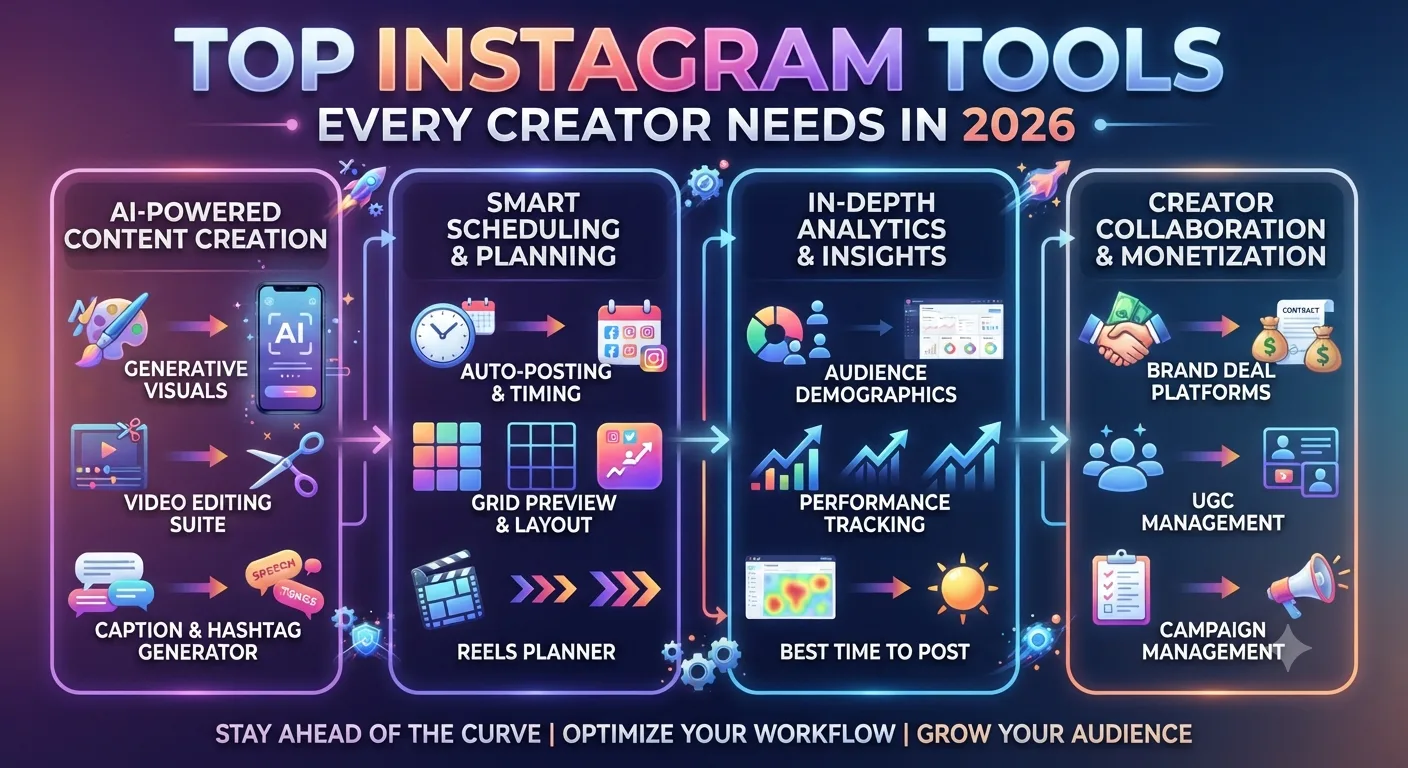
Building a serious Instagram presence in 2026 requires more than just a smartphone and a good eye. The creators and brands growing most effectively are doing so with a set of tools that handle specific functions better than any general purpose solution can. Research, content creation, scheduling, analytics, and audience engagement each have their own tool requirements, and knowing which tools genuinely add value versus which ones create unnecessary complexity is itself a useful piece of knowledge.
This guide covers the essential tool categories every creator needs and the specific tools worth considering in each category, based on what is actually useful for day to day Instagram work rather than what sounds impressive in a tools roundup.
Category 1: Research and Analytics Tools
Research and analytics tools are the foundation of any evidence based Instagram strategy. Without them, content and growth decisions are based on intuition and assumption rather than data.
InstaPV
As covered throughout this series, InstaPV is the primary tool for researching any public Instagram account. Its analytics dashboard provides follower growth trends, engagement rate data, and posting frequency analysis for any public account without requiring any login. For competitor research, influencer evaluation, niche trend monitoring, and anonymous story and Highlight viewing, it covers more ground than any other single tool in this category.
The free tier handles most research needs for individual creators. The Pro plan adds saved profile collections, PDF and CSV export, and unlimited searches for more intensive research workflows.
Instagram Insights
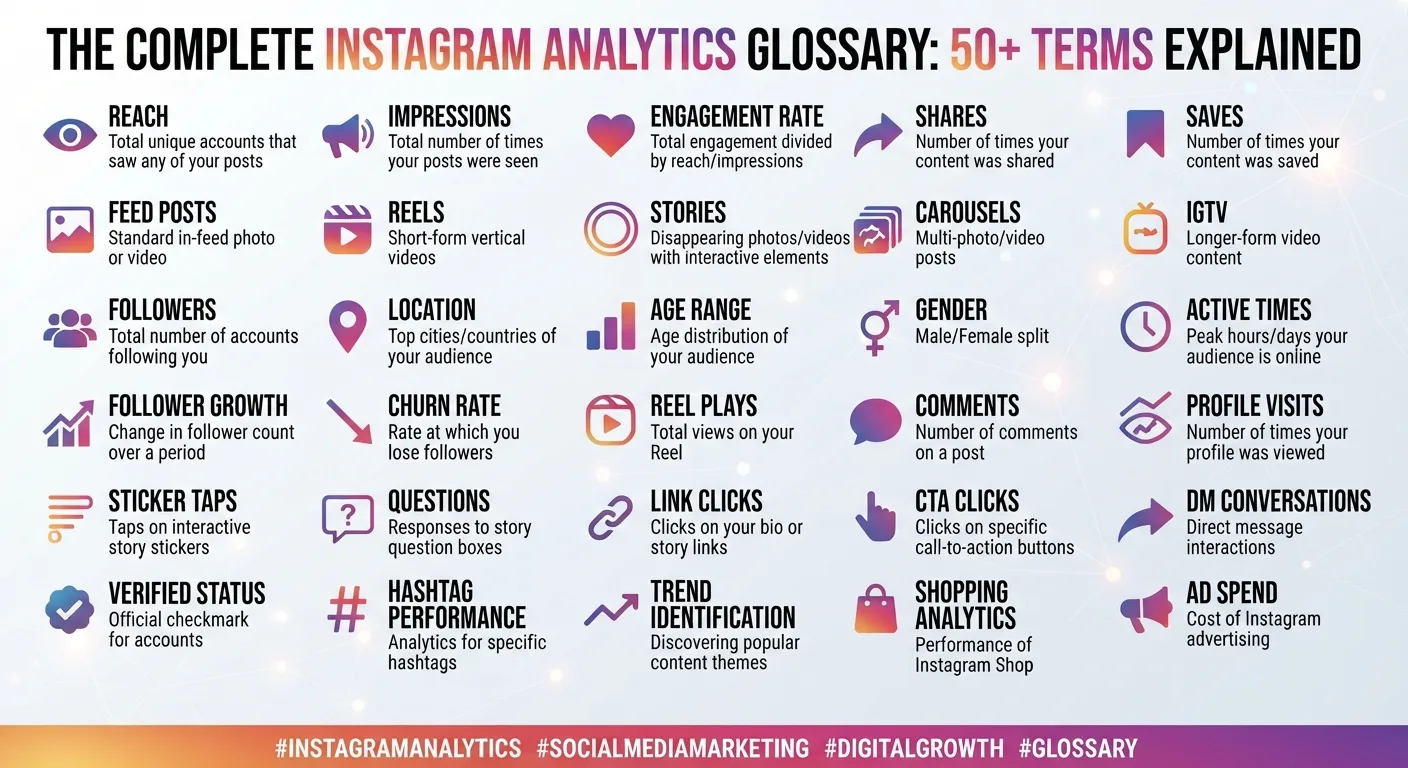
Instagram's native analytics tool, available for business and creator accounts, covers your own account's performance data including reach, impressions, audience demographics, and post level engagement metrics. As covered in multiple posts throughout this series, Insights provides the private data that no third party tool can access, including detailed audience demographic breakdowns and story completion rates.
Using InstaPV for competitive and external research alongside Instagram Insights for internal account data gives you a complete analytical picture combining both public and private data sources.
Category 2: Content Creation Tools
Content creation tools cover everything from image editing to video production to graphic design for feed posts, Reels, and Stories.
Canva
Canva has become the standard graphic design tool for Instagram creators who are not professional designers. Its template library, brand kit features, and Instagram specific size presets make it straightforward to produce visually consistent content without design expertise.
For creators building the visual consistency discussed in Day 10's analysis of major Instagram accounts, Canva's brand kit feature, which stores your color palette, fonts, and logo for use across all designs, is particularly useful for maintaining the consistency that builds recognizable brand identity over time.
CapCut
For Reels specifically, CapCut has become the most widely used mobile video editing tool among Instagram creators. Its auto caption feature, trending sound library, and template system address the three most common production bottlenecks for Reel creation: adding on screen text for silent viewers as covered in Day 11's Reels guide, finding appropriate audio, and creating visual transitions efficiently.
Adobe Lightroom Mobile
For creators whose content relies on photography, Lightroom Mobile's preset system is the most efficient tool for maintaining visual consistency across photos. Creating a custom preset that matches your desired aesthetic and applying it consistently across all photos produces the kind of feed visual coherence that distinguishes a deliberate personal brand from random posting.
Category 3: Scheduling and Planning Tools
Scheduling tools allow content to be prepared in advance and published automatically at planned times, removing the need to be actively present on your phone at every publishing moment.
Later
As covered in Day 7's analytics tools comparison, Later combines scheduling functionality with a visual feed planner that shows how upcoming posts will appear on your profile grid before they are published. For creators maintaining a specific grid aesthetic, this preview functionality is genuinely useful for catching visual imbalances before they go live.
Later's free tier is sufficient for individual creators scheduling a modest volume of content. Paid plans add analytics, additional scheduled posts, and multi-platform support.
Buffer
Buffer is a straightforward scheduling tool with a clean interface that handles the core scheduling function efficiently without the visual planning features of Later. For creators who prioritize simplicity over visual preview features, Buffer's less cluttered interface is a reasonable alternative.
Category 4: Link in Bio Tools
As covered in Day 6's bio optimization guide, Instagram allows only one clickable link in the profile bio. Link in bio tools create a landing page accessible through that single link that presents multiple destinations to profile visitors.
Linktree
Linktree is the most established link in bio tool and remains widely used for its simplicity. A basic Linktree page showing multiple links takes minutes to set up and requires no design expertise. The free tier covers basic functionality. Paid plans add customization, analytics, and additional features.
Later's Link in Bio
For creators already using Later for scheduling, Later's built in link in bio tool integrates directly with the scheduling platform, allowing each scheduled post to be linked to a specific URL that updates automatically in the link in bio page when the post goes live. This is particularly useful for creators who consistently direct audiences to content at the link in bio since it automates the link updating process.
Category 5: Hashtag Research Tools
Effective hashtag strategy, as covered in Day 9's hashtag guide, requires researching which specific tags are worth using for your content and audience. Dedicated hashtag research tools support this process.
Flick
Flick is a dedicated hashtag research and management tool that provides data on hashtag competition levels, recent performance, and related tag suggestions. For creators investing seriously in hashtag strategy, Flick provides more systematic research capability than manually browsing hashtag pages within Instagram.
The tool also allows saving and organizing hashtag sets for rotation, which supports the varied hashtag set approach recommended in Day 9's strategy guide.
Category 6: Audience Engagement Tools
Engagement tools help creators manage comment responses, direct message workflows, and audience interaction at scale.
ManyChat
ManyChat's Instagram integration allows creators to automate specific direct message responses triggered by comment keywords. A common use case is offering a free resource through a comment trigger, where a viewer comments a specific word on a post and automatically receives a direct message with the promised resource.
This automation addresses one of the most common creator challenges: driving traffic to a specific link or resource when Instagram does not allow clickable links in post captions. The comment trigger mechanic creates an engagement loop that also benefits the post's comment count.
Category 7: Competitive Intelligence Tools
Beyond InstaPV's core research functionality, creators managing accounts at scale or in highly competitive niches may benefit from additional competitive intelligence capabilities.
Iconosquare
As covered in Day 7's analytics tools comparison, Iconosquare provides deep analytics for owned accounts alongside competitor tracking capabilities. For creators who need more depth on their own account analytics than Instagram Insights provides, Iconosquare is the strongest dedicated Instagram analytics option in a mid-tier price range.
Building Your Tool Stack
The right tool stack depends on your specific situation. A creator just starting out needs different tools than an established creator managing a large account with a team.
Starter Stack
For creators in the early stages of building their Instagram presence, a minimal, low cost tool stack covers the essentials without unnecessary complexity.
InstaPV free tier for competitive research and public account analytics. Instagram Insights for owned account data. Canva free tier for graphic design. CapCut for Reel editing. Later free tier for basic scheduling. A free link in bio tool.
This starter stack costs nothing and covers the core tool needs for most early stage creators.
Growth Stack
For creators who have established a consistent posting rhythm and are actively working on growth, adding a few additional tools expands capability in specific areas.
InstaPV Pro for saved profiles, full analytics history, and export functionality. A dedicated hashtag research tool like Flick for systematic hashtag strategy. Lightroom Mobile for photo consistency if photography is central to the content.
Professional Stack
For full time creators or social media managers handling multiple accounts, a more complete stack adds scheduling depth, engagement automation, and reporting capability.
InstaPV Pro for research and reporting. Iconosquare or a comparable deep analytics platform for owned account analysis. A full scheduling platform like Later or Sprout Social. ManyChat for engagement automation. A dedicated link in bio tool with analytics.
What to Avoid
The Instagram tool market includes a significant number of tools that promise results they cannot deliver or that create more complexity than value. Tools that promise guaranteed follower growth, engagement rate improvements through artificial means, or access to private Instagram data are either ineffective, potentially harmful to your account's standing, or both.
As covered in multiple posts throughout this series, genuine Instagram growth comes from content quality, audience understanding, and strategic consistency, not from tools that attempt to shortcut these fundamentals.
-
Instagram Content Calendar Template: How to Plan 30 Days of Posts
-
What Happens When You View Someone Instagram Story?
-
How Journalists Use Instagram Viewer Tools for Research
Frequently Asked Questions
Q: Do I need paid tools to grow on Instagram?
No. The free versions of the tools in this guide cover the essential needs for most creators. Paid tools become worth the investment when you reach a scale where the additional features, deeper analytics, or time savings justify the cost relative to the value your Instagram presence generates.
Q: How many tools should I use at once?
Start with the minimal stack that covers your actual current needs and add tools only when you identify a specific gap that a new tool would address. Adding tools speculatively creates complexity without value. The goal is a stack where every tool has a clear, regularly used function rather than a large collection of tools used occasionally.
Q: Is InstaPV safe to use alongside these other tools?
Yes. InstaPV operates as a standalone web based tool that does not require any connection to your Instagram account or any of the other tools in your stack. It works independently of everything else in your workflow.
Q: Should I use the same tools that large creators or agencies use?
Only if those tools address a genuine need at your current scale. Enterprise tools designed for large team workflows create unnecessary complexity for individual creators. Match your tools to your actual current needs rather than to the tools used by accounts significantly larger than yours.
Conclusion
The right set of tools makes Instagram strategy more effective, more efficient, and more sustainable. The tool categories in this guide, research and analytics, content creation, scheduling, link in bio, hashtag research, audience engagement, and competitive intelligence, cover every functional area of a serious Instagram workflow.
Start with the minimal stack appropriate to your current stage, use each tool consistently enough to get genuine value from it, and expand your stack only as specific needs emerge that your current tools do not address.
Start with InstaPV for research and analytics, free with no login required →